YubiKey 5C NFC
Using the YubiKey for sudo and the GNOME lock screen works reliably via pam-u2f. LUKS unlock at boot did not work due to a USB timing race condition on this hardware; see the Known Issues page for the full attempt log.
What Works
- OATH/TOTP: Yubico Authenticator 7.3.1 works perfectly for 2FA codes
- SSH: FIDO2-backed SSH keys
- Bitwarden: hardware-backed authentication
- pam-u2f: YubiKey touch for
sudoand GNOME screen unlock
Yubico Authenticator (OATH/TOTP)
Yubico Authenticator stores TOTP secrets on the YubiKey itself rather than on the device. It requires a smartcard daemon to communicate with the key.
sudo pacman -S ccid pcsclite
sudo systemctl enable --now pcscd.socket
Then install Yubico Authenticator from Flathub or the CachyOS repository and plug in the YubiKey. The app reads the TOTP credentials directly from the key.
pam-u2f
Require YubiKey touch for sudo and the GNOME lock screen. No initramfs, no boot-timing issues.
sudo pacman -S pam-u2fRegister the YubiKey:
mkdir -p ~/.config/Yubico
pamu2fcfg > ~/.config/Yubico/u2f_keys
Touch the YubiKey when it blinks. For a backup key, plug in the second YubiKey and run:
pamu2fcfg -n >> ~/.config/Yubico/u2f_keysBoth keys share one file. Since both sudo and the GNOME lock screen read from ~/.config/Yubico/u2f_keys, the backup key works for both immediately without extra configuration.
sudo
Edit /etc/pam.d/sudo:
#%PAM-1.0
auth       sufficient   pam_u2f.so cue
auth       include      system-auth
account    include      system-auth
session    include      system-auth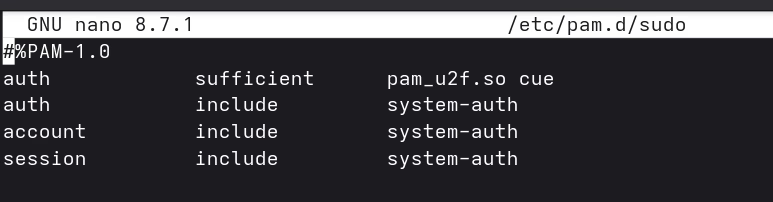
Test without closing the current terminal first:
sudo echo test
# "Please touch the FIDO authenticator." → touch → done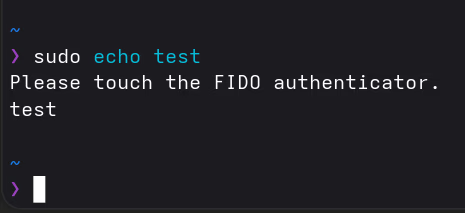
Without the YubiKey plugged in, it falls through to password as normal.
Graphical sudo (polkit)
GNOME’s graphical authentication dialog uses a separate PAM service: polkit-1. This file doesn’t exist by default on CachyOS, so polkit falls back to password-only.
Create /etc/pam.d/polkit-1:
#%PAM-1.0
auth       sufficient   pam_u2f.so cue
auth       include      system-auth
account    include      system-auth
session    include      system-auth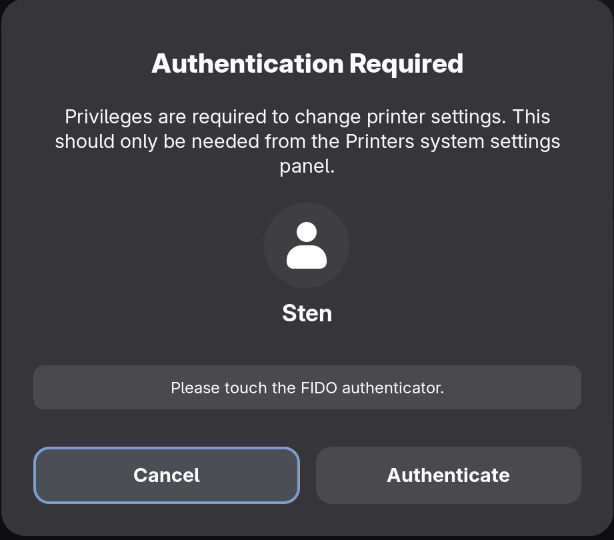
GNOME lock screen
Edit /etc/pam.d/gdm-password:
#%PAM-1.0
auth       sufficient   pam_u2f.so cue
auth       include                     system-local-login
auth       optional                    pam_gnome_keyring.so
account    include                     system-local-login
password   include                     system-local-login
password   optional                    pam_gnome_keyring.so use_authtok
session    include                     system-local-login
session    optional                    pam_gnome_keyring.so auto_start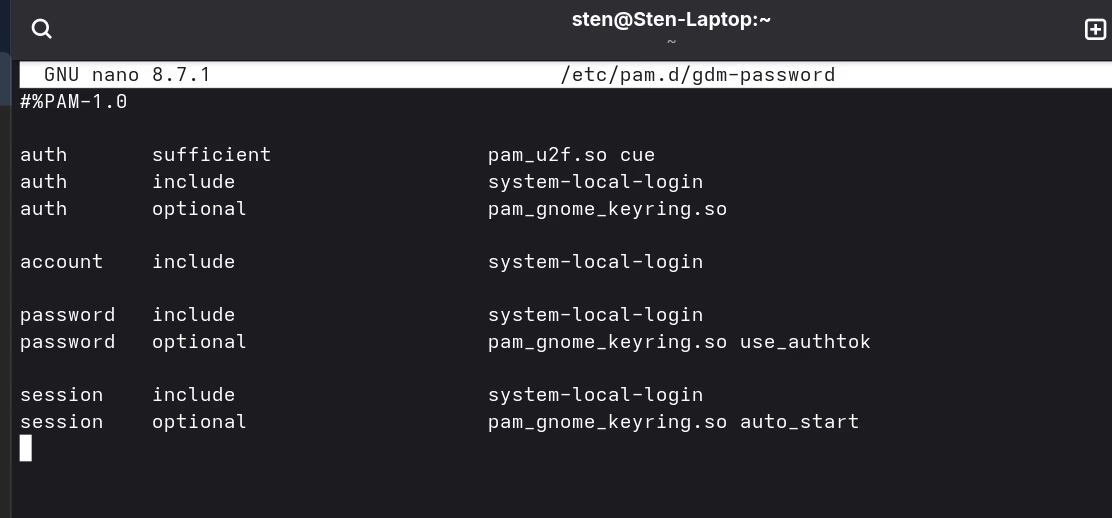
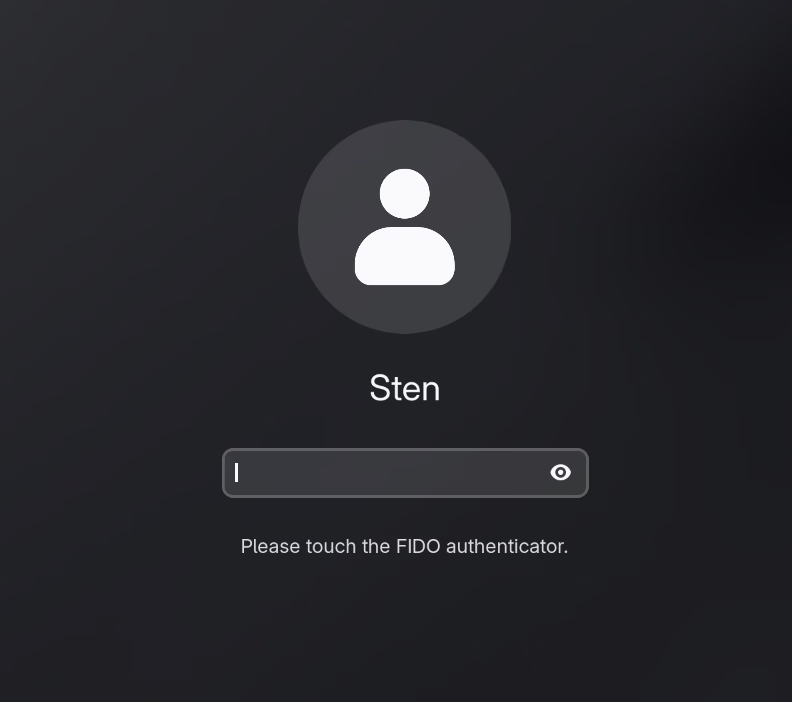
Lock the screen with Super+L and touch the YubiKey to unlock.
| Situation | Behavior |
|---|---|
| YubiKey plugged in | Touch required to unlock |
| YubiKey absent | Falls back to password |
| Boot / autologin | Unaffected (LUKS password, then straight to desktop) |
sufficient means: if the YubiKey succeeds, skip remaining auth steps. If absent or touch times out, PAM continues to the next method (password). cue prints “Please touch the FIDO authenticator.” as a visual hint.
Boot flow
Power on → LUKS password → autologin → desktop
                                           ↓
                              Super+L → YubiKey touch (or password)
LUKS stays password-only. The YubiKey only comes into play after the desktop is running.