WinBoat: Windows via Podman Container
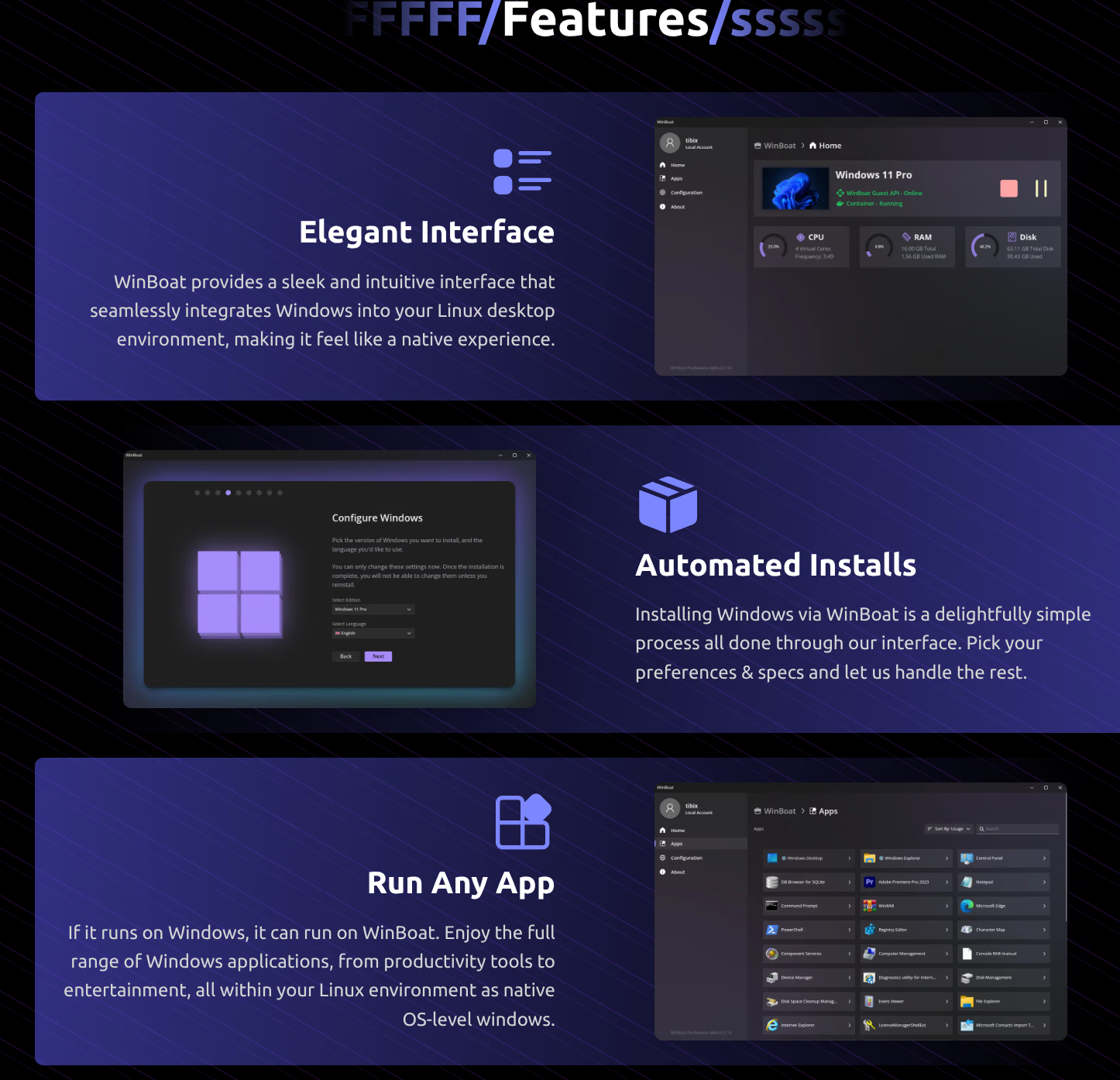
WinBoat is an open-source project that runs Windows inside a Podman container on Linux. The goal is to have Windows applications show up as regular windows on your Linux desktop, without needing a full VM. I tested it using Podman.
Status: Beta. WinBoat is in early beta. Tested on v0.9.0. Bugs are expected and the project says so itself.
Installation
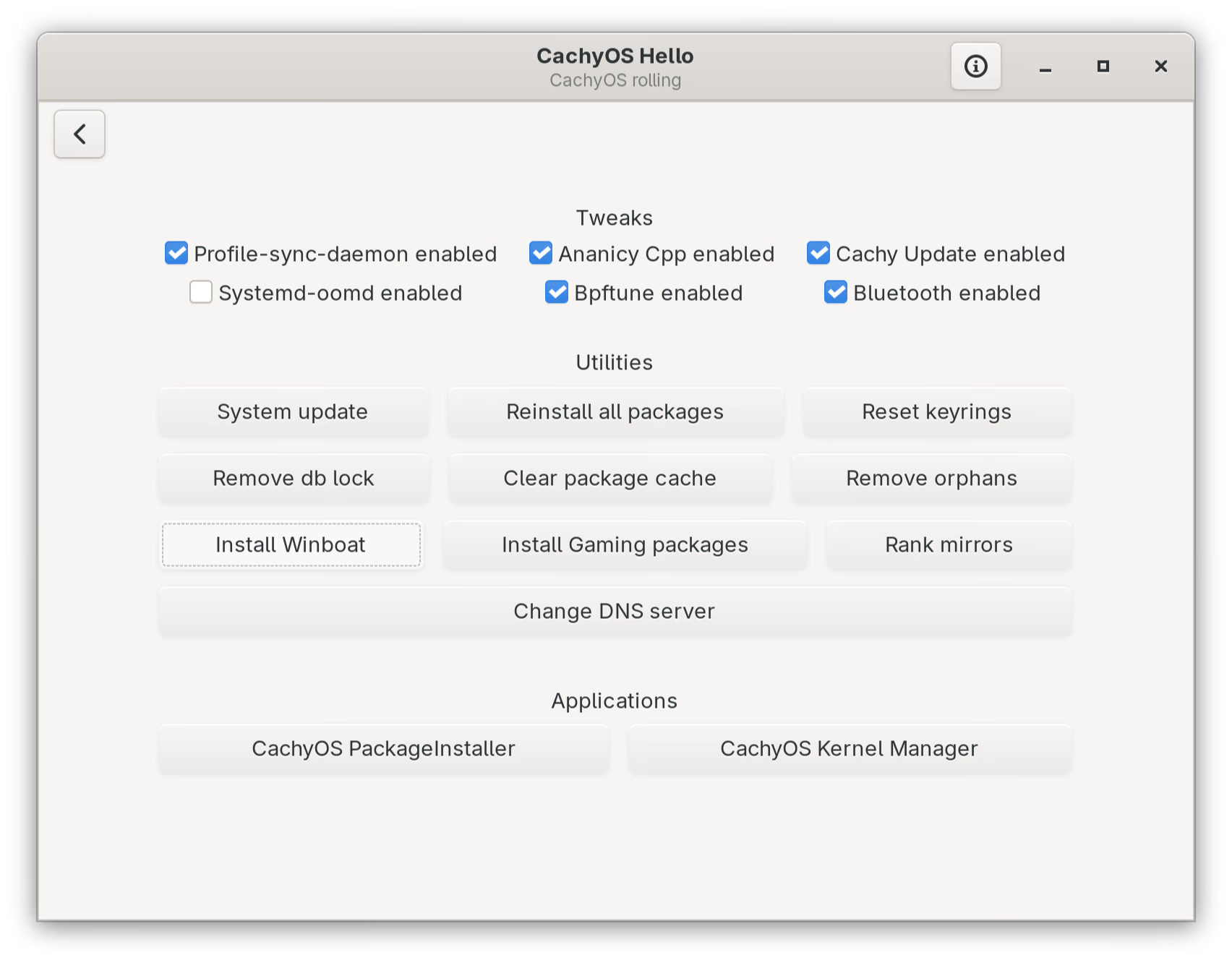
I got WinBoat from the CachyOS package repository:
sudo pacman -S winboatPackage source: packages.cachyos.org: winboat
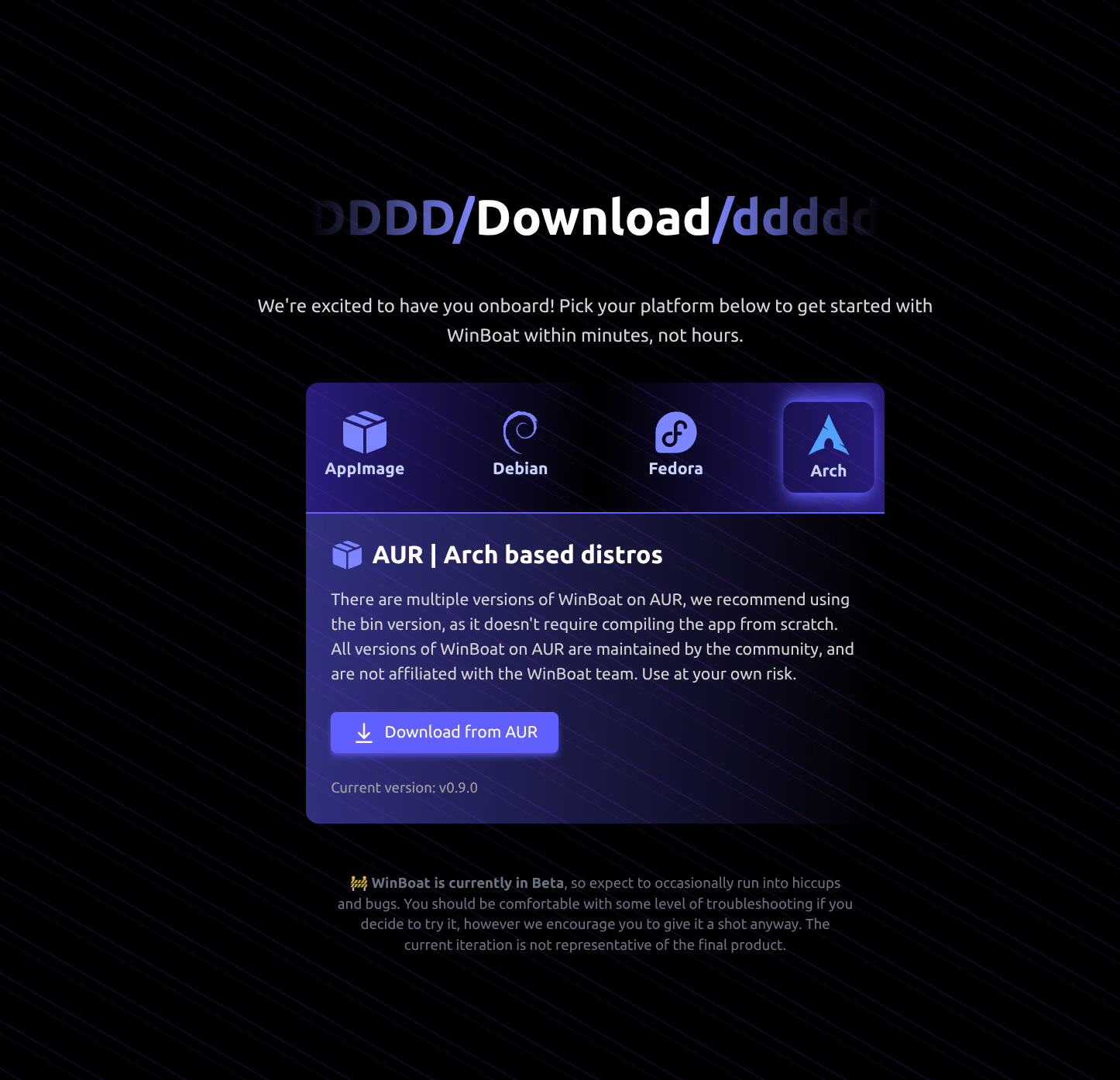
The WinBoat website also lists an AUR package (winboat-bin) for other Arch-based distros. On CachyOS, the repo package is simpler.
Setup
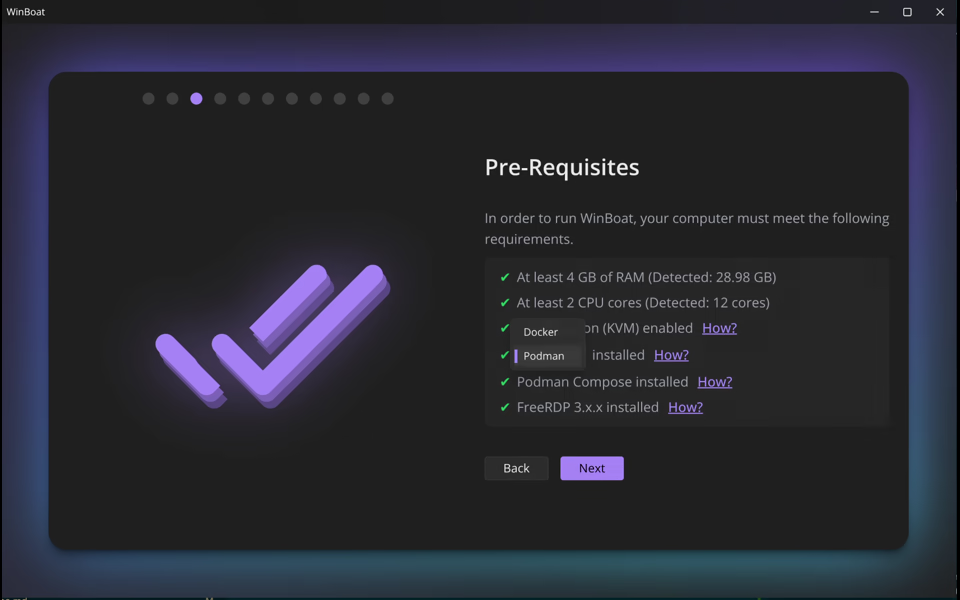
When you first run WinBoat, it walks you through a setup wizard: install location, user credentials for the Windows account, and hardware allocation (CPU cores, RAM, disk size). From there it downloads and installs Windows 11 automatically through Podman. The install takes a while; you can follow the progress in your browser. The port can change between runs, so use this command to get the current URL:
# Podman
podman port WinBoat | grep "8006" | awk '{print "http://" $3}'
# Docker
docker port WinBoat | grep "8006" | awk '{print "http://" $3}'
The demo below covers a full session: wizard, installation in progress, WinBoat coming up with Windows actually running, and then my attempts to open Notepad and File Explorer.
After a clean setup, WinBoat does start. WinBoat Guest API - Online and Container - Running showed up in the interface, the Windows apps screen loaded, and a Windows 11 login screen appeared in the browser via FreeRDP. That part worked.
The problem is getting back to that state reliably without going through the full setup again.
First launch
After installing, you can start WinBoat from the app menu or terminal. On first run it sets up a Windows 11 install through Podman automatically.
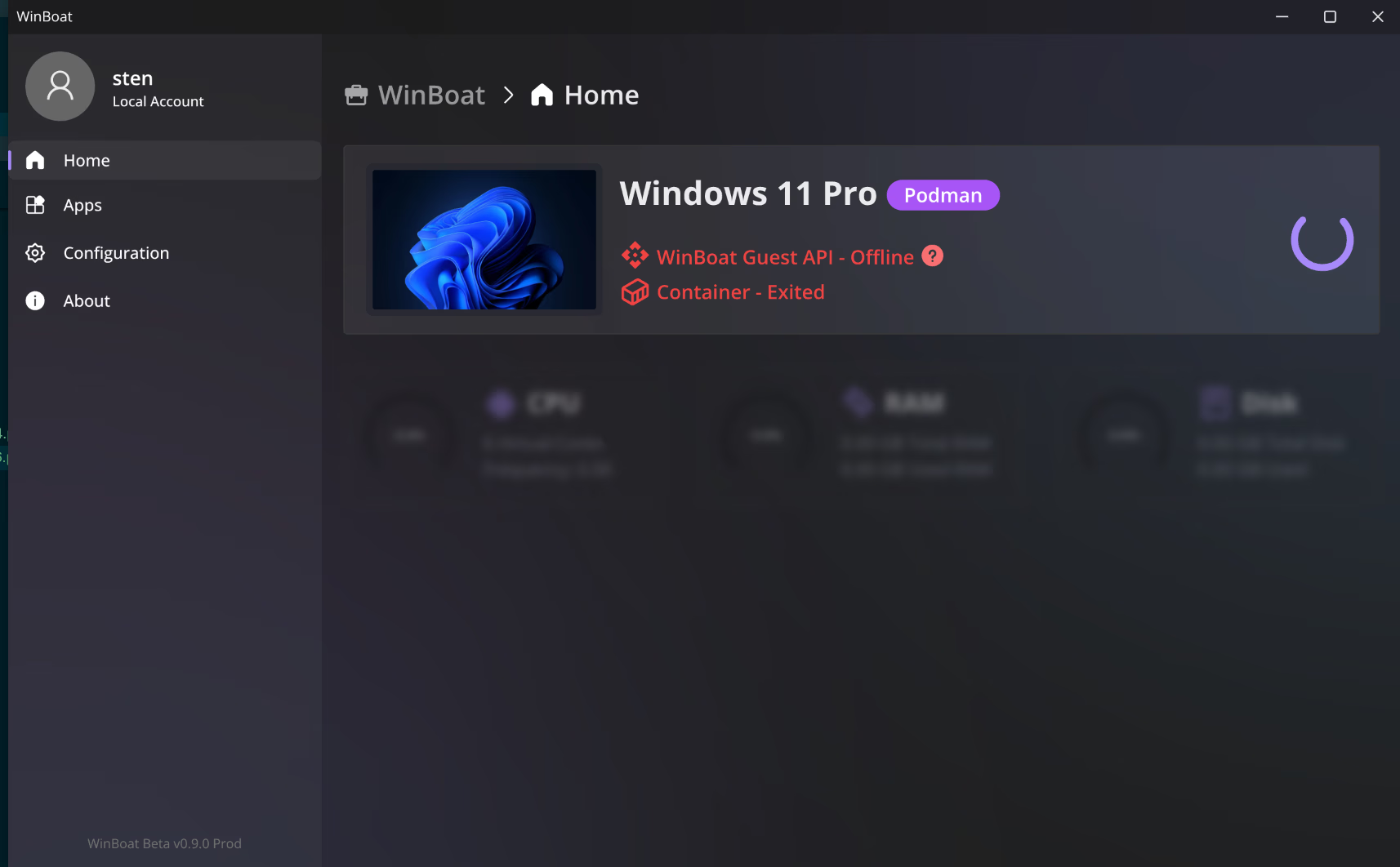
What I ran into most often: WinBoat Guest API - Offline and Container - Exited. Windows 11 Pro shows up in the interface but the container never reaches a running state.
Bugs
The main issue: WinBoat gets stuck in a startup loop. The Podman container keeps trying to start but never gets there, no matter how long you wait. This happens regularly, not just on first setup.
Resetting WinBoat and going through the full setup again does get it running, but having to wipe and redo the setup every time is not a workable solution.
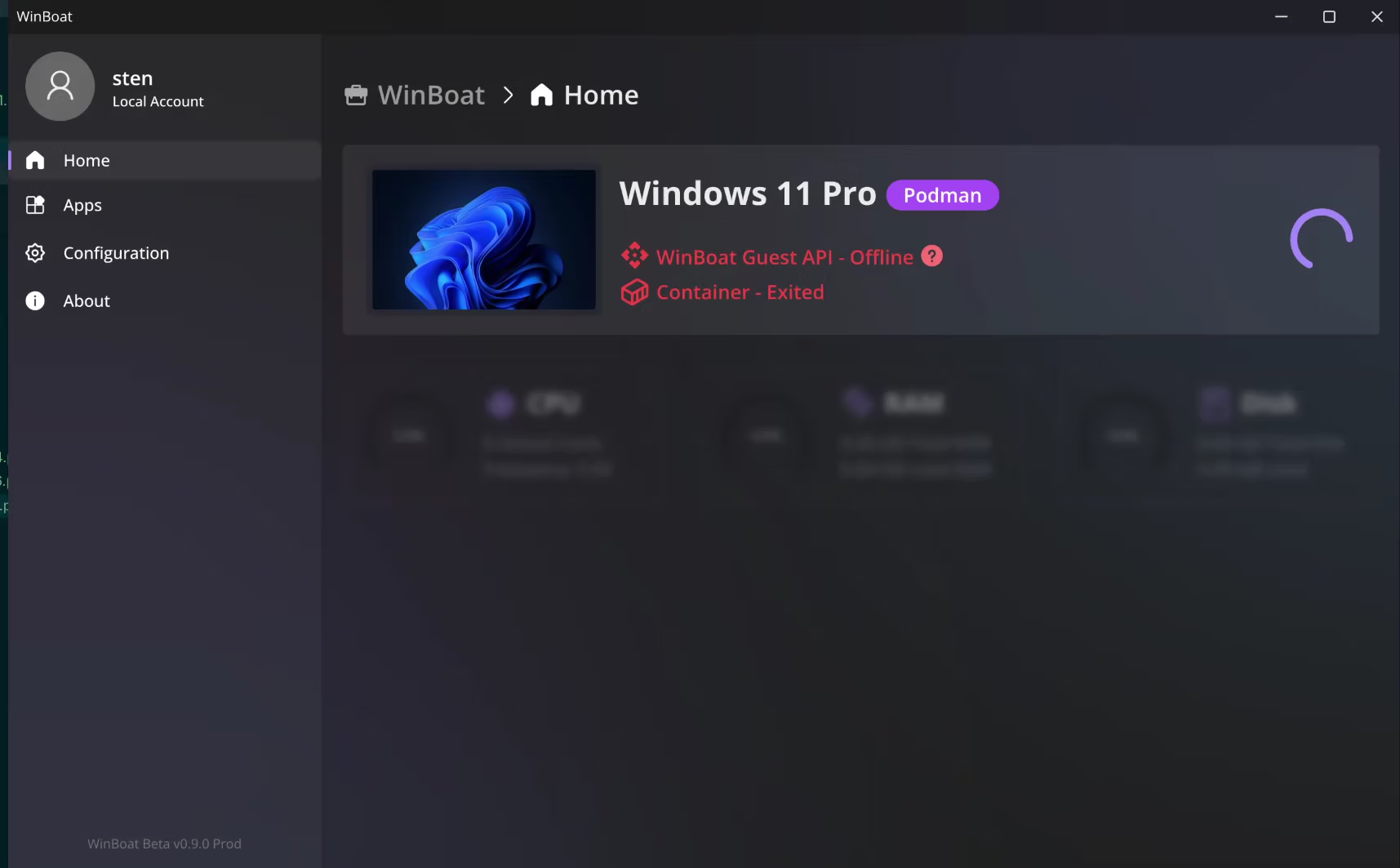
Other things I ran into:
- The container exits unexpectedly (“Container - Exited”)
- The Guest API never connects (“WinBoat Guest API - Offline”)
- Windows apps don’t reliably appear as windows on the desktop
When WinBoat does start, I tried something simple first: opening Notepad and File Explorer. I hadn’t installed Microsoft 365 yet via winget, so I started small. Instead of those apps, I got weird boxes and glitches on screen. I rebooted the container and killed some processes, but that didn’t help either. You can see this in the demo above.
So, what now?
Honestly, this is one of the coolest app concepts I’ve seen in a while. Running Windows apps as regular desktop windows without a full VM is something Bottles and Wine can’t do either, especially for Microsoft 365. I’d love to get this working properly.
But we’re not there yet. For everyday Windows use, VMware Workstation currently gives the best experience on this hardware. The KVM/QEMU setup is a solid open-source alternative. I’d like to give WinBoat another shot when it’s more stable; the Docker backend may behave better than the Podman one I tested.